








A while ago, I was helping a business owner plan an online advertising campaign. We had discussed the budget, target audience, and type of ads that would work best. Google Ads was the platform we settled on. All that was left was figuring out how to pay.
We tried the Nigerian bank cards we had available, but none of them went through. After a few attempts, we realized we could have saved ourselves the trouble by considering a virtual dollar card from the start.
If you’re facing a similar problem, we’ve got you. This guide explores the different payment methods available for Google Ads in Nigeria and recommends the most convenient option.
Payment Methods That Work for Google Ads in Nigeria
| Payment method | Google Ads acceptance | How it works | Advantages | Limitations |
| Pouchers Virtual Dollar Card | Yes | Fund your card using your Pouchers wallet, then enter the card details in Google Ads. | It supports international payments, offers Visa and Mastercard options, and doesn’t require a domiciliary account. | One-time creation fee of $2 for Standard and $5 for Premium cards. |
| Domiciliary account card | Yes | Fund your domiciliary account and use its linked debit card for payment. | Allows you to make international payments using funds held in your foreign currency account. | Requires opening and funding a domiciliary account. Bank charges may apply. |
| Naira debit card | Limited | Pay directly from your Nigerian bank account, provided the card supports the transaction. | Convenient if your card supports the transaction; no separate foreign currency account needed. | Many Nigerian naira cards have restrictions on international USD payments. |
1. Pouchers Virtual Dollar Card (Recommended)
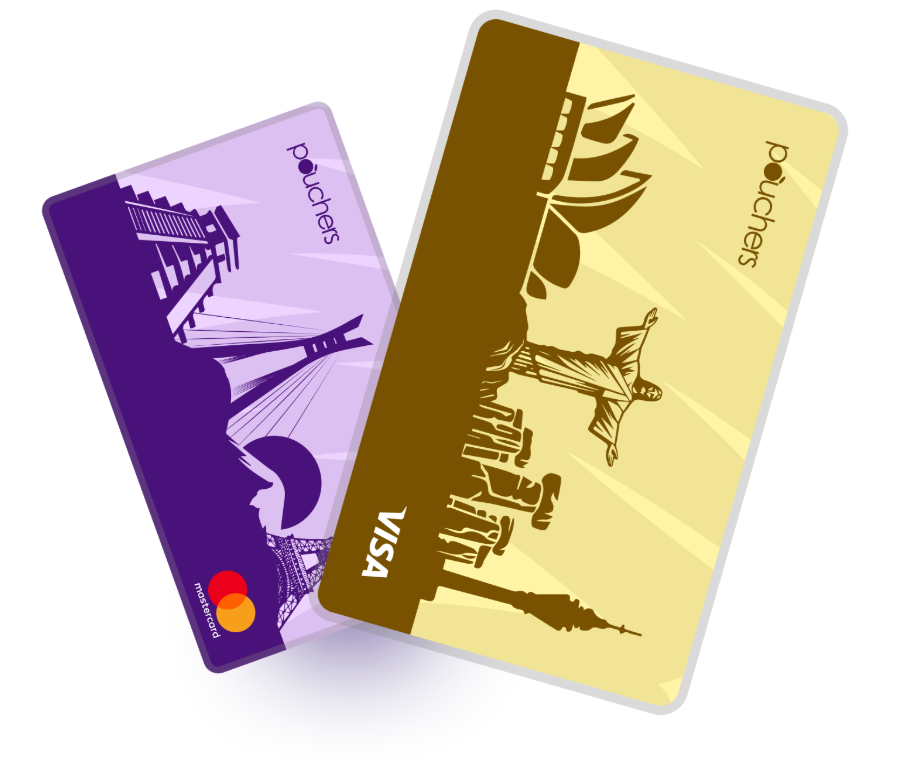
The Pouchers Virtual Dollar Card offers the most convenient way to pay for Google Ads in Nigeria. This is one of the cheapest virtual dollar cards that supports international online payments, including Google Ads, without requiring you to open a traditional domiciliary account.
The card is a versatile payment option for a wide range of international platforms, from online shopping and streaming to running ad campaigns, paying for subscriptions, and accessing digital tools. Its creation takes a few minutes as you can fund it immediately to start making payments.
Here are some features that make the card useful for paying for Google Ads:
- Visa and Mastercard options, so you can choose your preferred card network.
- Standard and Premium cards, depending on your payment needs.
- Flexible funding options, including your Pouchers Naira wallet, USD wallet, as well as Stablecoins like USDT and USDC.
- Free card top-ups.
- No monthly maintenance fee.
- Affordable card creation, with a one-time fee of $2 for Standard and $5 for Premium.
2. Domiciliary Account Cards
A domiciliary account card is typically a physical card linked to a Nigerian bank’s foreign currency account, usually denominated in US dollars. You can fund the account with foreign currency through eligible transfers or cash deposits, then use the card to make international payments.
These cards can work for Google Ads, provided the bank supports international online transactions and Google accepts the card. To get one, you need to open and fund a domiciliary account before requesting the card from your bank. The process may involve documentation, access to foreign currency, and additional charges for card issuance, maintenance, or international transactions.
3. Naira Debit Cards
You can use a Naira debit card to pay for Google Ads if it supports international online transactions. Some Nigerian banks, such as GTBank, have resumed international payments on their Naira Mastercard, although availability and spending limits vary by card. Before using yours, confirm with your bank that international online payments are enabled and check your applicable limit.
How to Pay for Google Ads in Nigeria with Pouchers Virtual Dollar Card
Step 1: Create a Pouchers Account
Download the Pouchers app, register with your details, and complete the required account verification to get started.
Step 2: Create Your Pouchers Virtual Dollar Card
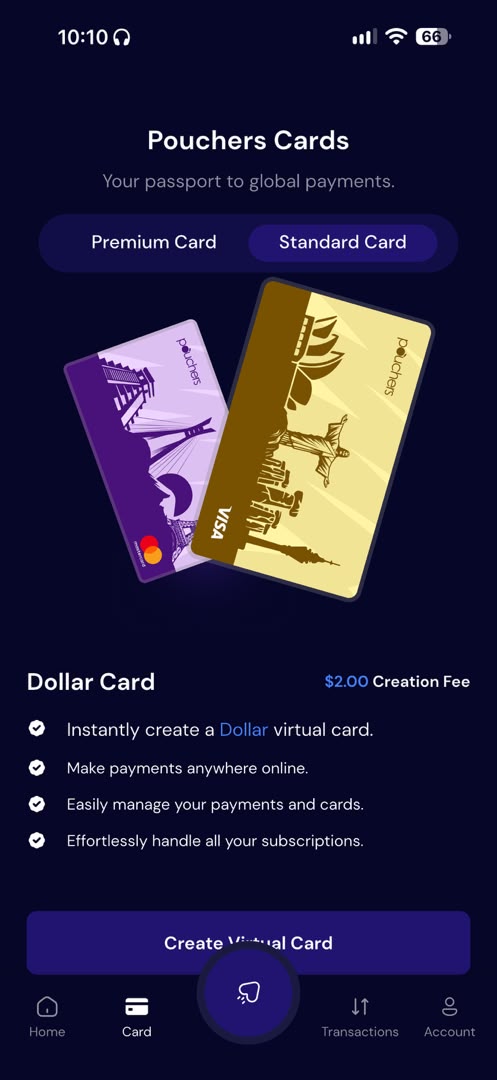
Once your account is ready, create a virtual dollar card. After creating your card, you will get your card number, expiry date, and CVV, which you will need when adding your payment method to Google Ads.
Step 3: Fund Your Virtual Dollar Card
Add enough funds from your Pouchers Naira or USD wallet to cover the payment. If you’re using your Naira wallet, the app displays the Naira equivalent of your chosen dollar amount before you confirm the transaction.
Step 4: Create a Google Ads Account
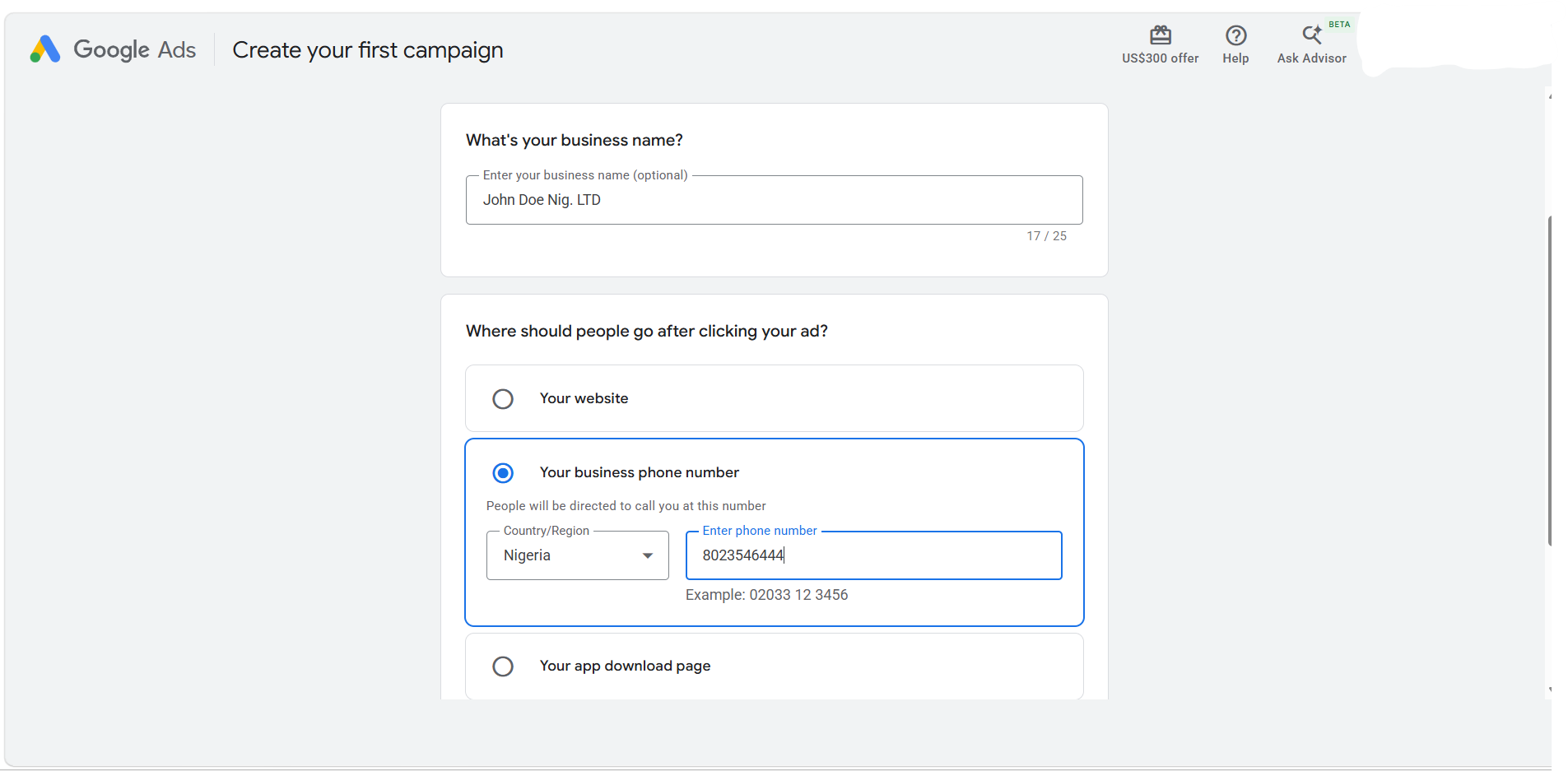
Visit Google Ads and sign in with your Google account. Enter your business name when prompted, then follow the on-screen instructions to set up your account.
When confirming your account settings, select Nigeria as your billing country, GMT+01:00 Nigeria Time as your time zone, and USD as your preferred billing currency. These settings cannot be changed later, so review them carefully before continuing.
Step 5: Add Your Pouchers Card as a Payment Method
During the account setup process, Google will take you to the Enter your account and payment details page.
- Select Add payment method.
- Choose the credit or debit card option.
- Open your Pouchers app and copy your virtual card number, expiry date, and CVV.
- Enter the card details in the Google Ads payment form.
- Complete your billing information and click Submit.
Note: Google may place a temporary authorisation hold on your card to verify it. The exact amount will be displayed during sign-up, and the hold is typically removed within a week.
Why Your Nigerian Bank Card May Be Declined on Google Ads
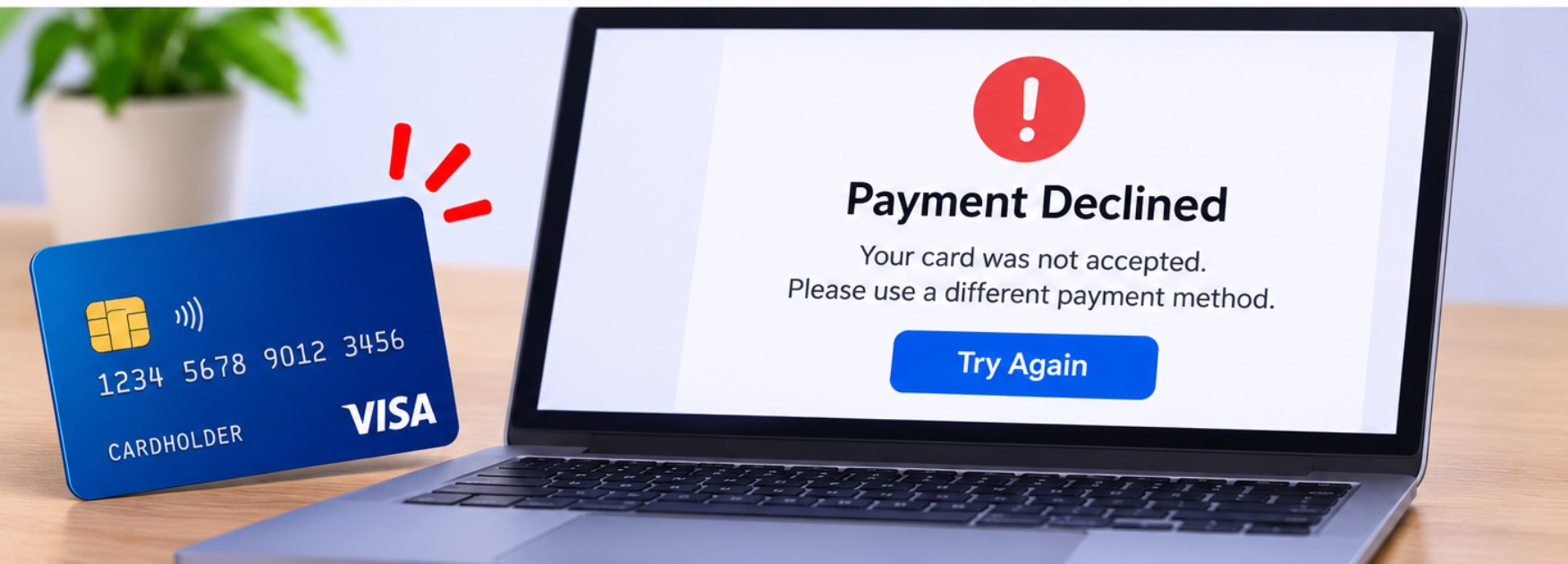
1. Your bank may restrict international transactions.
Some Nigerian banks restrict international payments on certain Naira cards or require customers to activate international transactions before using them. This means your card might work perfectly for local purchases but fail when you try to pay for Google Ads, which bills in a foreign currency.
2. Your card may have insufficient international spending limits.
Even when your bank allows international transactions, it may set a daily, monthly, or quarterly spending limit on your card. If your Google Ads payment exceeds the available limit, the transaction may be declined.
For instance, if your card has a quarterly international spending limit of $1,000 and you have already used $950 on other subscriptions, a $100 Google Ads payment will fail. Check your bank’s international spending limits and how much of your allowance you’ve used before trying to pay.
3. Google may not support your card type.
Google supports eligible Visa and Mastercard debit cards, but it doesn’t accept prepaid cards for automatic payments. If your card falls into that category, Google may reject it even when it has enough funds. Check the payment method supported by your account and the type of card you are using.
4. You may have entered incorrect card or billing details.
A small mistake when entering your card information can prevent a payment from going through. This could be an incorrect card number, an expired card, the wrong CVV, or a billing address that doesn’t match the details registered with your bank. If you’ve checked everything else and your payment still fails, review the information you entered before trying again.
5. Google’s security checks may flag the transaction.
Google may require additional verification before processing a payment, especially when something about the transaction needs checking. For example, a payment attempt that looks unusual or a card that hasn’t been verified may trigger a security check. You may need to complete the requested verification or contact your bank to confirm that it authorized the transaction.
How Google Ads Billing Works
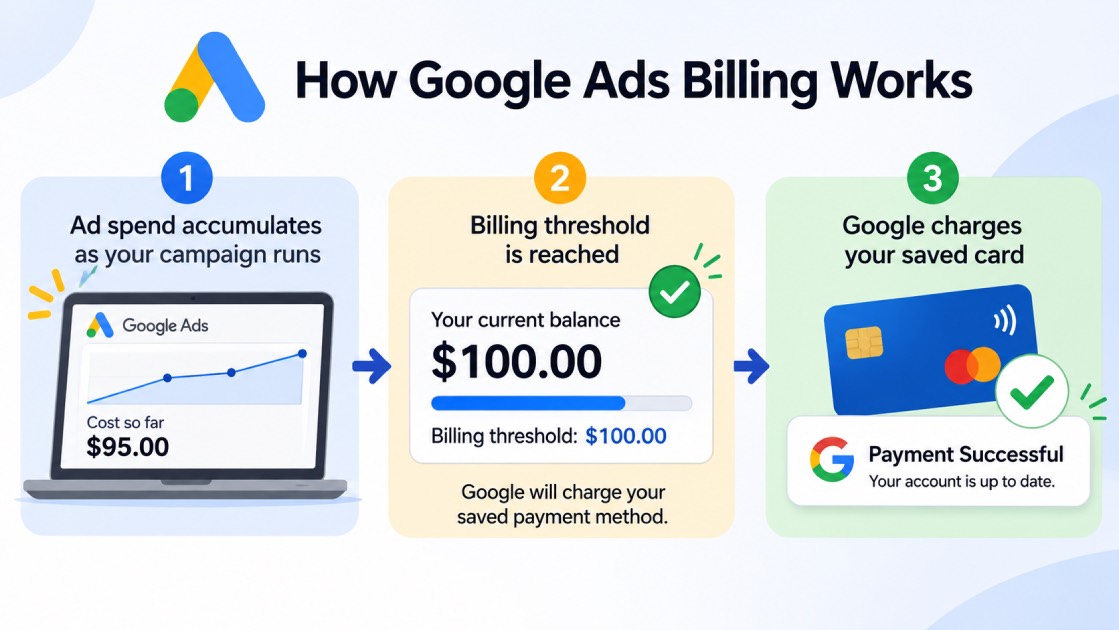
Google Ads billing determines when and how you pay for your advertising costs. If your account uses automatic payments, you don’t have to pay before your ads run. Google charges your saved payment method as you accumulate advertising costs.
Here’s how it works:
1. How Google Collects Your Payments
Once your ads start running, Google tracks how much they cost. Instead of asking you to make a payment after every click or impression, Google collects the money from your saved card automatically.
2. What Happens When You Reach Your Billing Threshold
A billing threshold is the amount your advertising costs must reach before Google charges your card. For example, if your billing threshold is $50, Google charges your card when your unpaid advertising costs reach $50.
Google sets an initial threshold for your account, which may increase as you make payments. The amount varies depending on your billing country, currency, and account.
3. When Google Charges You
Google doesn’t always wait for your advertising costs to reach the billing threshold. If they don’t reach it by your monthly billing date, Google charges the outstanding balance instead, usually on the first day of the following month.
You can check your next payment date and outstanding balance under Billing Summary in your Google Ads account.
4. How Your Campaign Budget Affects Your Charges
When setting up a campaign, you choose an average daily budget to guide how much Google spends on your ads. This isn’t necessarily a fixed daily charge. Google may spend more on some days and less on others, depending on advertising opportunities.
For most campaigns, your monthly spending limit is generally 30.4 times your average daily budget. So, if you set a daily budget of $10, your monthly spending limit is typically $304.
Frequently Asked Questions
1. Can I pay for Google Ads with a naira debit card?
Yes, some Nigerian naira debit cards support international online payments and may work with Google Ads. However, acceptance depends on your bank, card type, and international transaction limits.
2. How much does it cost to advertise on Google in Nigeria?
Google Ads has no general minimum advertising spend, so you can set your own daily budget based on how much you’re willing to spend. Your actual costs depend on factors such as your industry, keywords, competition, and the number of clicks or impressions your ads receive.
3. Does Google Ads charge automatically?
Yes, if your account uses automatic payments, Google charges your saved payment method when you reach your billing threshold or when your monthly billing date arrives.
4. Why does Google Ads keep declining my payment?
Your payment may be declined because your bank blocks international transactions, your card has insufficient funds or spending limits, or your card details are incorrect. Contact your bank or check your Google Ads billing page for the specific decline reason.
5. Can I use one virtual dollar card for Google Ads and Facebook Ads?
Yes, you can use the same virtual dollar card for both platforms, provided it supports the transactions and both platforms accept it. Just make sure the card has enough funds to cover payments on both advertising accounts.
Pay for Google Ads Easily with Pouchers
With a Pouchers Virtual Dollar Card, you can fund your card in Naira, pay for your advertising campaigns in dollars, and manage your international payments from one app.
Download the Pouchers app to create your virtual dollar card today and make paying for Google Ads easier. Choose between a Standard or Premium card, fund it from your Pouchers wallet, and get your next campaign running.
Sources Used:
- Payment settings in Google Ads — Google Ads Help
- Payment methods for Google Ads — Google Ads Help
- Spending limits — Google Ads Help
- Average daily budgets — Google Ads Help
- How to Fund Your Virtual Dollar Card with Naira — Pouchers Help Centre
- 2025 Interim Report — Guaranty Trust Holding Company Plc