








We’ve been making a few changes behind the scenes, and it’s time to bring you up to speed!
From making it easier to request payments to giving you more control over your virtual cards, our latest updates are all about helping you do more with your money.
Here’s what’s new on Pouchers and what you need to know.
Introducing Invoicing: Create and Send Invoices with Ease
Getting paid for your work should be just as easy as doing the work itself.
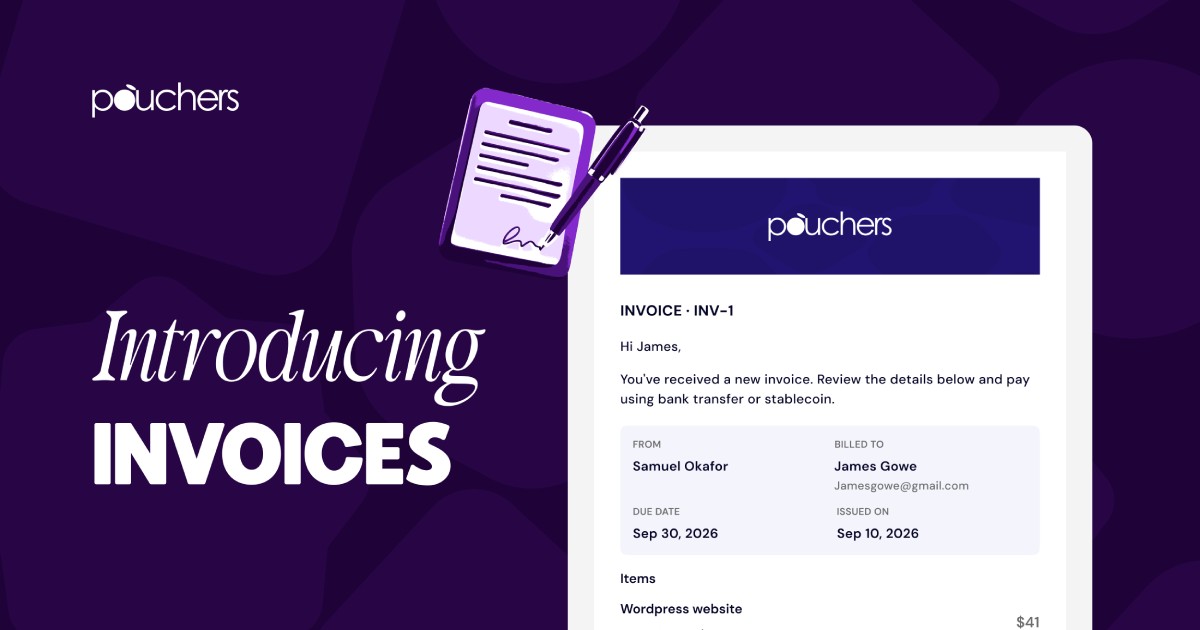
That’s why we’ve introduced Invoicing, a new feature that lets you create and send invoices directly from Pouchers.
Whether you’re a freelancer, business owner, or someone who regularly works with clients, you can now create professional invoices without switching between multiple tools.
With invoicing, you can:
- Create invoices for your products or services.
- Add payment details and the amount you’re requesting.
- Share invoices with your clients.
No more putting together invoices manually or juggling different platforms just to request a payment.
Got Multiple Virtual Cards? You Can Now Move Money Between Them

If you have more than one virtual dollar card on Pouchers, this update is for you!
Previously, managing funds across multiple cards wasn’t as straightforward as we’d have liked.
Now, you can transfer money directly from one Pouchers virtual card to another.
Let’s say you have one card for your subscriptions and another for online shopping. Instead of going through extra steps to move your money, you can transfer funds between both cards.
It’s a simple update, but one that gives you more flexibility in how you manage your spending.
Important Update: Your Stablecoin Deposit Address Has Changed
We’ve also made an important update to our stablecoin wallets.
Your previous USDT and USDC deposit addresses have changed.
This means that before making your next stablecoin deposit, you’ll need to generate and copy your new deposit address from the Pouchers app.
Here’s what to do:
- Open your Pouchers app.
- Navigate to your stablecoin wallet.
- Select the stablecoin you want to receive (USDT or USDC).
- Generate and copy your new deposit address.
- Use this new address for your next deposit, making sure you’ve selected the correct network.
Important: Please stop using your previous stablecoin deposit addresses. Always copy your current address from the app before sending funds to avoid issues with your deposits.
If you’ve saved your old address on another platform, remember to update it there too.
More Ways to Do More with Pouchers
Sometimes, the biggest improvements are the ones that make everyday transactions a little easier.
Whether you’re sending an invoice to a client, moving money between your virtual cards, or receiving stablecoins, we want every experience on Pouchers to feel simple and convenient.
And we’re not stopping here.
We’ve got more updates coming, and we can’t wait to share them with you.
In the meantime, make sure your Pouchers app is up to date so you can explore the latest features.
More features. More flexibility. More ways to move your money. 💜