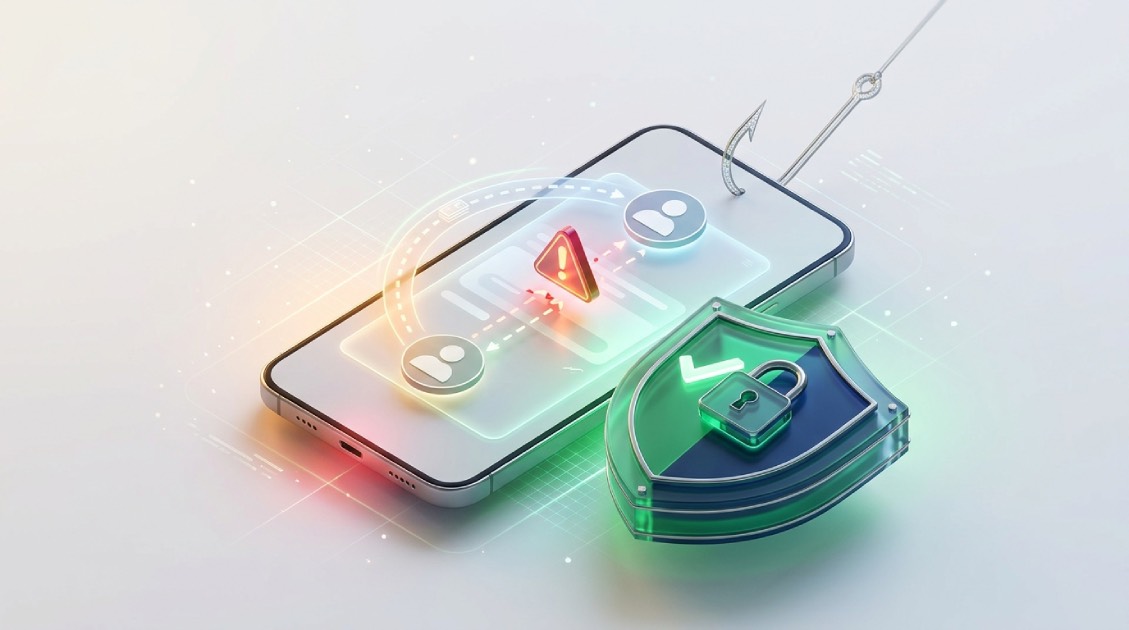









Cross-border payments have made it easier to send and receive money internationally, but scammers are exploiting these transactions to steal money. In 2025, Nigerian financial institutions recorded ₦25.85 billion in digital-payment fraud losses, including ₦17.84 billion linked to social engineering, according to the Nigeria Inter-Bank Settlement System (NIBSS).
Secure payment apps like Pouchers help you manage foreign currencies and stablecoins while blocking out cyber threats and scams. Meanwhile, protecting your money also means knowing how scammers operate.
So this guide breaks down 11 common money transfer scams, shows you how each one works, and tells you how to walk away before it costs you.
1. Threats and Blackmail Scams
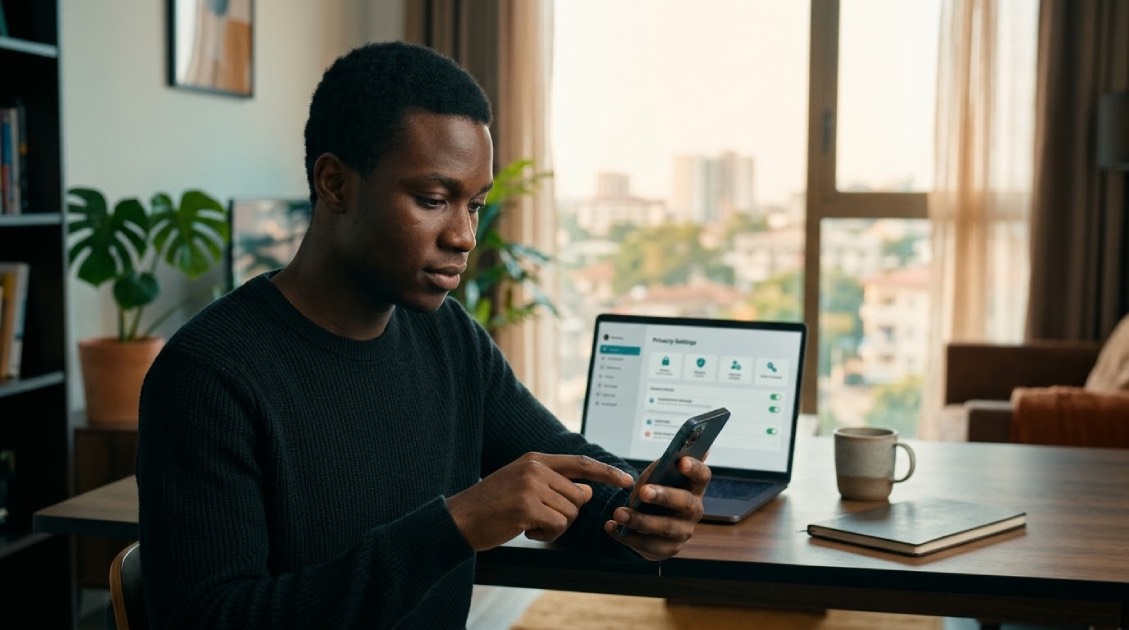
A threat/blackmail scam occurs when someone takes money from you unlawfully by coercion, threats, or blackmail. Sometimes they threaten to harm your family. In this case, the fraudster can even drop some of your personal details they found online to make the whole thing appear real.
How to protect yourself:
- Refuse to release your money, and don’t react to the threats.
- If you feel like your life is in danger, reach out to law enforcement.
- Ensure your residential address, work address, travel plans, and financial data are not visible online or on social media.
- Screenshot your chats with the scammer, then report the account or number to the platform.
2. Imposter Scams
In this type of scam, someone can use a brand or company that you trust to scam you (like your bank, a government agency, or a delivery company). They create a problem, such as a suspicious charge, a blocked account, an unpaid toll, or a refund waiting for you. Then they ask for money or access to your account.
How to protect yourself:
- End the call. Call the company back using the number on its official website or app.
- Do not share any password, PIN, OTP, card details, or even your BVN.
- A real company will never tell you to send your money elsewhere to “keep it safe”.
- Be cautious of any phone calls, texts, or emails you weren’t expecting.
3. Family Emergency Scams
A family emergency scam is when someone pretends to be your relative or friend. Some of them can even pose as a police officer, doctor, or lawyer to convince you that a loved one is in serious trouble. The idea is to make you panic. They will always request that you send them money immediately, and they’ll mostly want you to keep it a secret.
How to protect yourself:
- Call the person directly, on a number you already have.
- Confirm the story from another family member.
- Don’t allow the urgency they create to push you to ignore verifying things.
- Consider every request that promotes secrecy or odd payment methods to be a red flag.
4. Sextortion Scams
A sextortion scam is a type of blackmail where someone threatens to publish explicit photos or videos of you unless you send them money. They may have gotten the content through trickery or hacking. Sometimes, they’ll just build a fake social media profile and talk you into sharing it.
How to protect yourself:
- Don’t send any money. The moment you pay once, they will keep demanding more.
- Block their contact, but keep the evidence.
- Report the account to the platform and to local authorities.
- Avoid sharing intimate content with anyone you haven’t verified.
5. Investment Scams
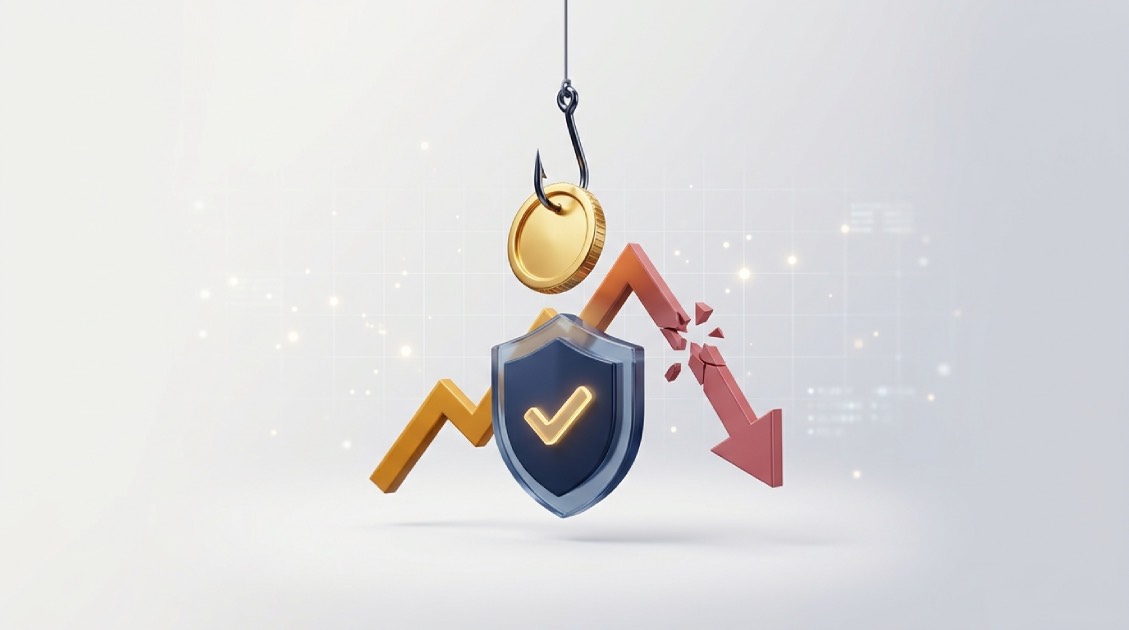
An investment scam is when fraudsters sell you an opportunity that doesn’t exist or one that will never pay what they claim. They promise “guaranteed,” “risk-free”, or unusually high returns, then push you to put money in fast. In Nigeria, the collapse of the CBEX investment platform in April 2025 reportedly left investors facing estimated losses of up to ₦1.3 trillion. The platform had promised investors 100% returns within 30 days.
How to protect yourself:
- Guaranteed high returns should make you suspicious.
- Carry out a quick check on the company, its licence, and its registration on your own.
- Never invest because someone is pressuring you or says the offer is about to expire.
- Only invest money you are willing to let go.
6. Job Scams
A job scam is when a fake recruiter offers you a job role that isn’t real, just to get your money or your information. It might be a work-from-home position, a secret-shopper gig, or a chance to get a job that pays in US dollars. In this type of scam, they’d usually request an upfront charge, personal information, or payment for equipment or training. Sometimes, they’d demand payment to improve your CV or resume.
How to protect yourself:
- Look up the company through its official website and verified contacts.
- Don’t ever pay money to get a job.
- It’s an automatic red flag when an entire hiring process takes place on WhatsApp, Telegram, or text.
- Don’t provide anybody with your ID documents until you’re sure the employer is real.
7. Romance Scams
A romance scam is when someone builds a fake relationship with you online, purely to get money out of you. They use stolen photos and warm, affectionate messages to earn your trust. And once they have successfully gained your trust in the relationship, they begin to make unnecessary demands, like money for a medical emergency, a flight ticket, a customs fee, or an “investment.”
How to protect yourself:
- Ask for a live video call, and run their photos through a reverse-image search.
- Don’t transfer money or gift cards to someone you’ve never met in person.
- Watch out if they dodge calls, make excuses, or want to keep things secret.
- The moment money enters the conversation, stop sending it.
8. Tech Support Scams
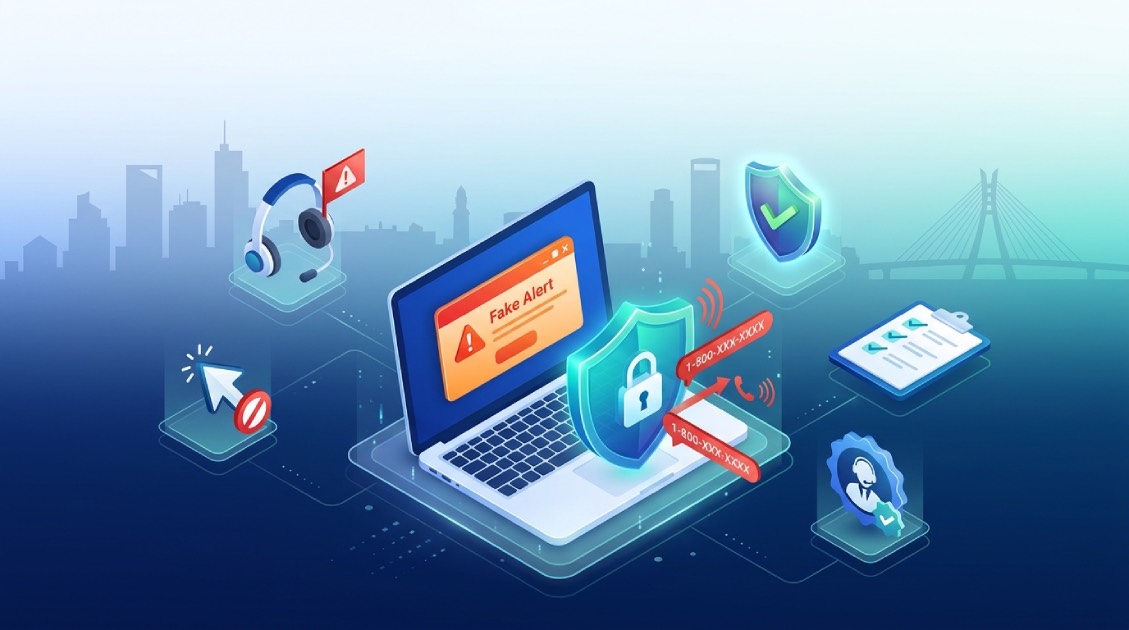
A tech support scam is when someone pretends to be a “help desk” (or customer care rep, or help/support person) and tells you your phone, laptop, or account has a security issue. That’s false; they simply want you to install software that will grant them remote access to your device, or the software could be programmed to read out login codes, and once they can access your OTP or verification code, they can as well access your money or data.
How to protect yourself:
- Never grant remote access to someone who contacted you out of the blue.
- Reach the software or device company through its official support channel.
- Don’t read out OTPs or verification codes to anyone.
- Keep your devices and security software up to date.
9. Immigration Scams
An immigration scam is when a caller claims to be from an immigration authority and says there’s a problem with your visa, permit, or documents. That’s usually untrue. They demand payment or account details right away, and they may threaten deportation to scare you into complying.
How to protect yourself:
- Check the claim on the official immigration authority’s website.
- Don’t pay with gift cards, crypto transfers, or personal accounts.
- Never give your passport, banking, or account details to a caller you didn’t expect.
- Use the contact details listed on the agency’s official site.
10. Prize Scams
A prize scam is when you get an unexpected message saying you’ve won a lottery, sweepstake, or contest, but you never entered anything. To collect, you’re told to pay a “processing fee” or share your bank details. Sometimes they send you a fake check first.
How to protect yourself:
- No genuine organisation will demand an upfront fee to hand you a prize you won.
- Don’t give your bank details to a contest organiser you don’t know.
- Don’t transfer money based on a check that hasn’t cleared.
- Research the competition before you reply.
11. Marketplace Scams
Marketplace scams involve exploitation by fake buyers or sellers on online marketplace buying and selling platforms. The fake buyer pays more than the price of the goods using a fake cheque and asks for a refund of the extra payment while the fake seller will take your payment, but you will not receive the product. They always want you to make payment outside the marketplace platform.
How to protect yourself:
- Make all payments within the marketplace platform.
- Research seller’s rating, reviews, and history of the account.
- Refuse overpayment or refund requests.
- Avoid transactions requiring wire transfer, gift cards, and cryptocurrency to an unknown person.
Common Signs of Money Transfer Scams
When deciding whether to transfer money or provide personal information, make sure your contact contains none of the following red flags:
- Urgency or secrecy in a request.
- Unexpected call, text, email, or social media contact.
- Requesting your password, PIN, OTP, bank verification number, credit/debit card number, and remote access to the computer.
- Requiring a payment via gift card, cryptocurrency, wire transfer, or a personal bank account.
- Incorrect grammar, strange links, or email address mismatch with the official domain.
- Too good to be true offer or deal with prize, job, or investment opportunities.
- An unknown individual requesting monetary or financial support from you.
How to Protect Yourself Against Money Transfer Scams
- Verify before you pay: Contact the person, bank, company, or government agency through their official source.
- Take your time: Urgency is one of the scams’ tactics and never a reasonable reason to ignore security procedures.
- Keep your logins and passwords safe: Never share your password, PIN, OTP, BVN, or recovery codes.
- Apply extra security measures to your account: enable 2-factor authentication, utilise biometric authentication if possible, and update your passwords regularly.
- Confirm blockchain details twice: Verify the recipient’s address and blockchain network before transferring USDT or USDC funds. Most blockchain transactions are confirmed and therefore irreversible.
- Alert about potential fraud: Notify your bank and payment provider, save all evidence, and report the scam to your local authorities.
How Pouchers Keeps Your Account Safe

Pouchers is built for people who earn, receive, and move money across borders. You can hold stablecoins, receive and save funds in foreign bank accounts such as USD, GBP, EUR, and CAD, or simply convert your funds to naira. On top of that, the platform provides advanced security features that cut down fraud risk.
1. Two-factor authentication and biometric login
Pouchers provides 2-factor authentication and biometric login features that add an extra layer of security to your account. Once you turn on the 2-Factor Authentication function, a stolen password alone can’t open your wallet. You can also log in with your fingerprint or Face ID, so someone holding your unlocked phone still can’t get into your account.
2. Transaction PIN for sensitive actions
You can set up the transaction PIN function on your account. It adds one more confirmation before money moves. Even if someone gets into the app, they still need that PIN to complete sensitive wallet actions.
3. Data encryption
Pouchers protects user data and transactions with bank-level encryption. It can flag suspicious activity, such as repeated failed login attempts, multiple incorrect passwords, or sign-ins from a new device or location. It also monitors unusual payments and transfers and sends email alerts to help users spot potential threats.
4. Quick account lockdown if something looks wrong
Pouchers can temporarily block your account after several failed login attempts. If you suspect someone is trying to access your account, you can disable it through the app’s security settings and change your password or login credentials.
Disabling or locking a compromised account helps stop fraudsters from making further unauthorised payments, transfers, or withdrawals. You can also contact support through in-app chat or email for help securing your account.
Note: Pouchers will never ask for your account login details. It will never ask for your BVN, password, PIN, or OTP, even in a call, email, or message that claims to be Pouchers support.
Frequently Asked Questions
1. Is Pouchers safe for receiving money from abroad?
Yes. Pouchers protects your account and funds with identity verification, 2FA, biometric login, a transaction PIN, encryption, and real-time fraud monitoring.
2. How do I know if someone is impersonating Pouchers support
Pouchers will never ask for your BVN, password, PIN, or OTP. If anyone does, don’t share them. Report it through the in-app chat or the official support email.
3. What should I do if I suspect fraud on my account?
Disable your account from security settings. Change your password and PIN, and turn on 2FA or biometrics if they’re off. Then contact Pouchers support with your transaction evidence.
4. Do I need to complete all KYC verification on Poucher?
Yes, you need to complete identity verification and KYC (Know Your Customer) checks on the Pouchers app to help protect your account against fraud and impersonation.
Conclusion
Money transfer scams often work by making you panic and act quickly. Take your time, verify every request through official channels, and never share your password, PIN, BVN, or OTP.
For extra safety, turn on 2FA and biometrics, keep your transaction PIN private, complete your highest KYC level, and double-check the recipient’s wallet address and network before sending USDT or USDC. Pouchers offers a secure, stablecoin-powered multicurrency wallet with security features to help you manage international money with greater confidence.
[Download the Pouchers app to get your secure foreign bank account]